








Take Lutin with you.
Ask a question, check what happened, or keep useful work moving from your iPhone. Lutin brings your feed, notes, tasks, memory, and conversations into one mobile app.
Download on the App Store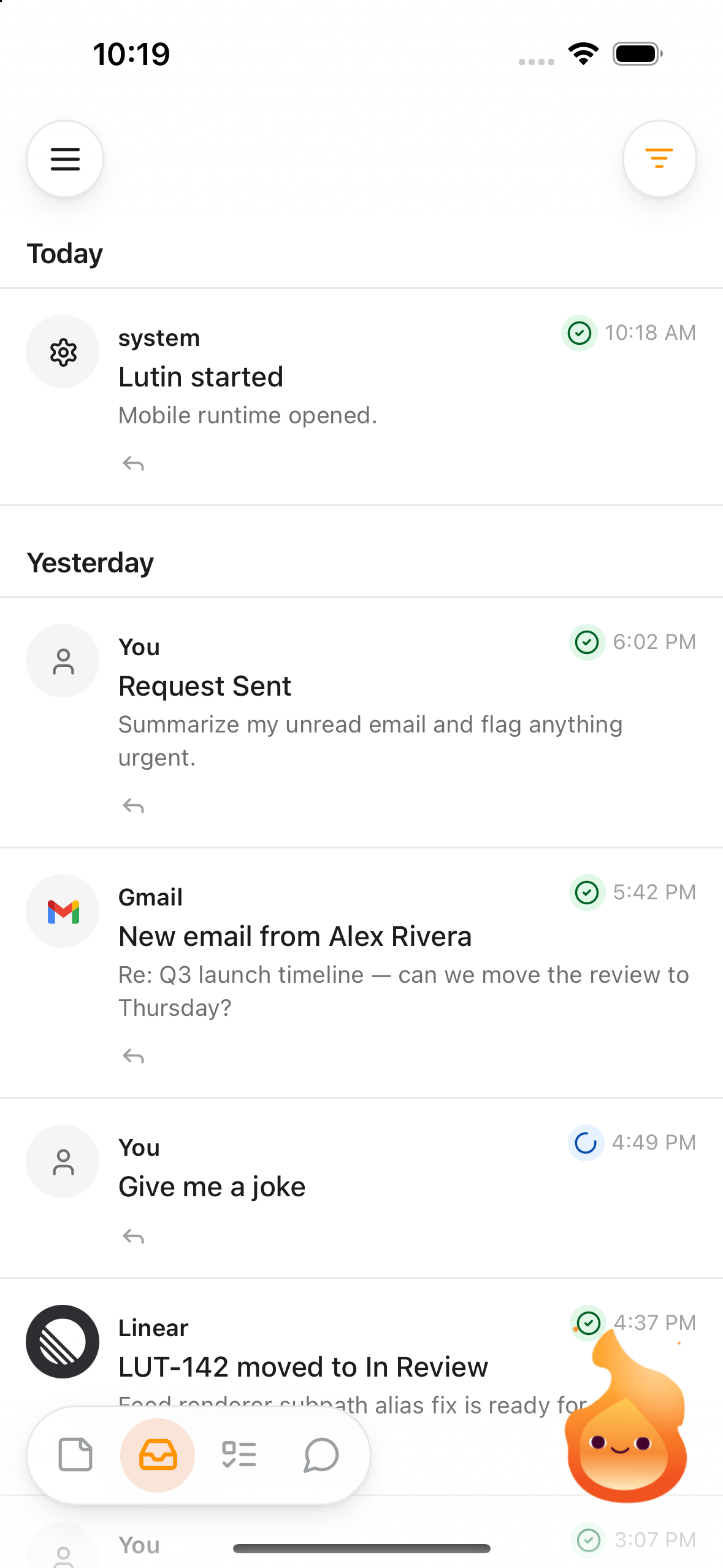
Ask anywhere
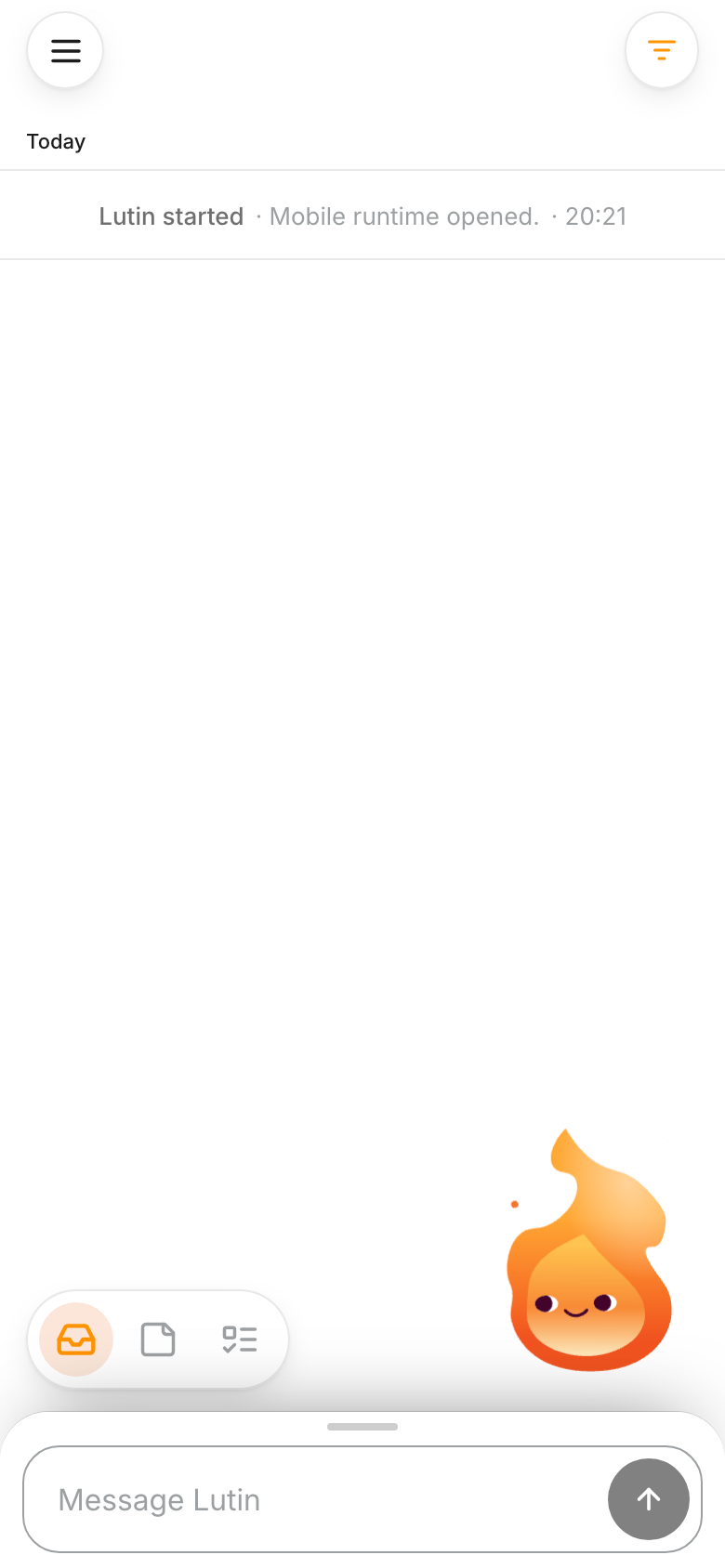
The composer is ready when the question is.
Ask for an explanation, draft, recommendation, or help working through an idea. The conversation stays close without waiting until you are back at your desk.
One feed
See what needs your attention.
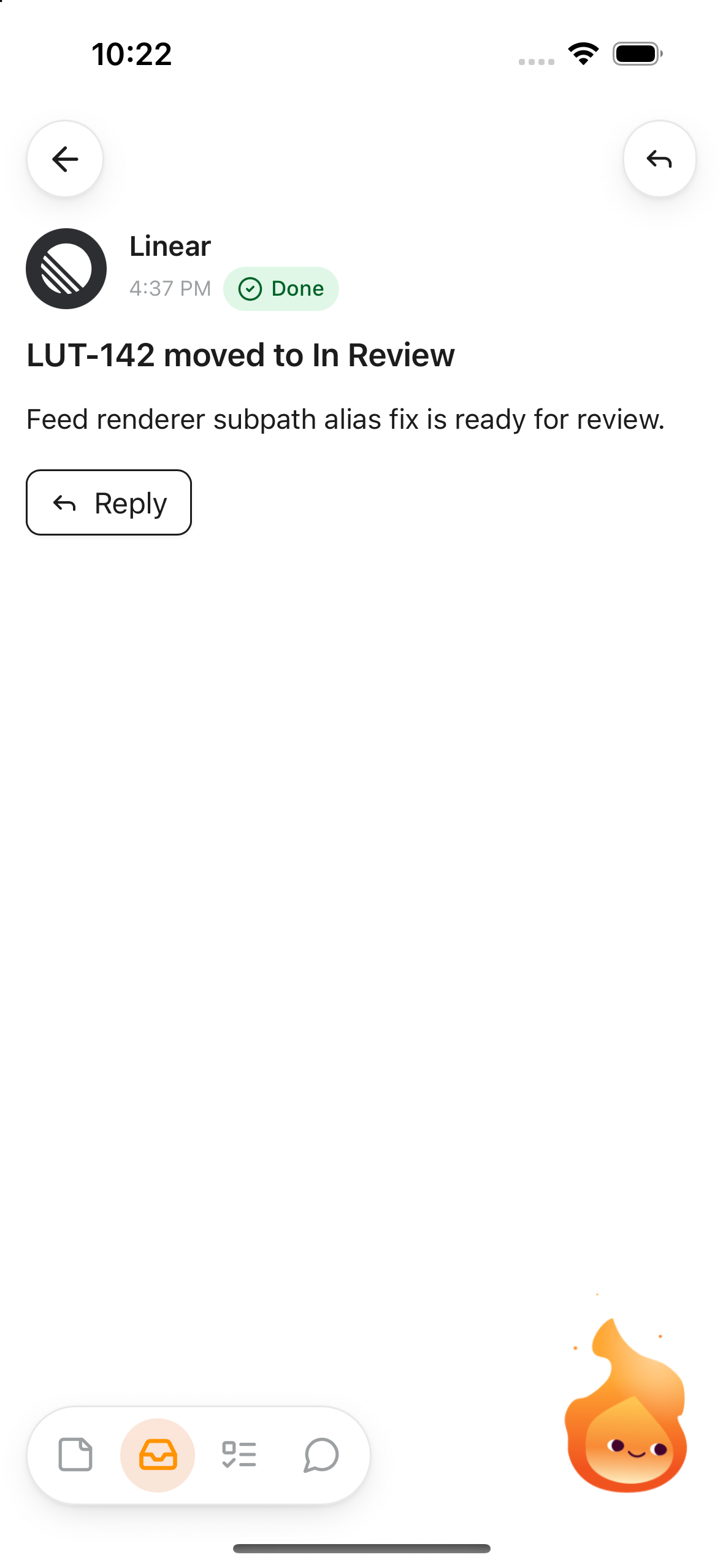
Review requests, assistant responses, note activity, and connected-account updates in one feed. Open an item for the detail, reply when it needs you, or move on when it does not.
Keep useful work
Notes and tasks stay within reach.
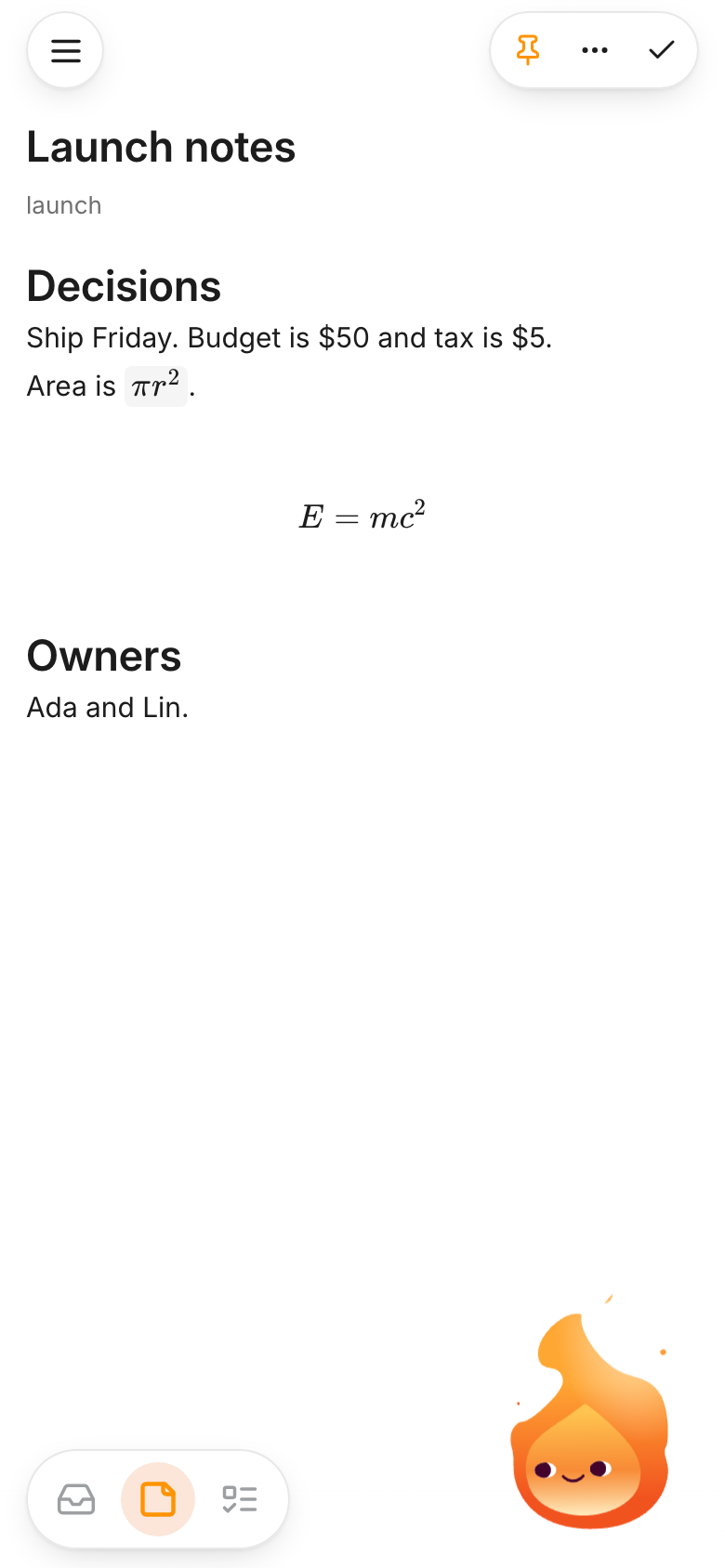
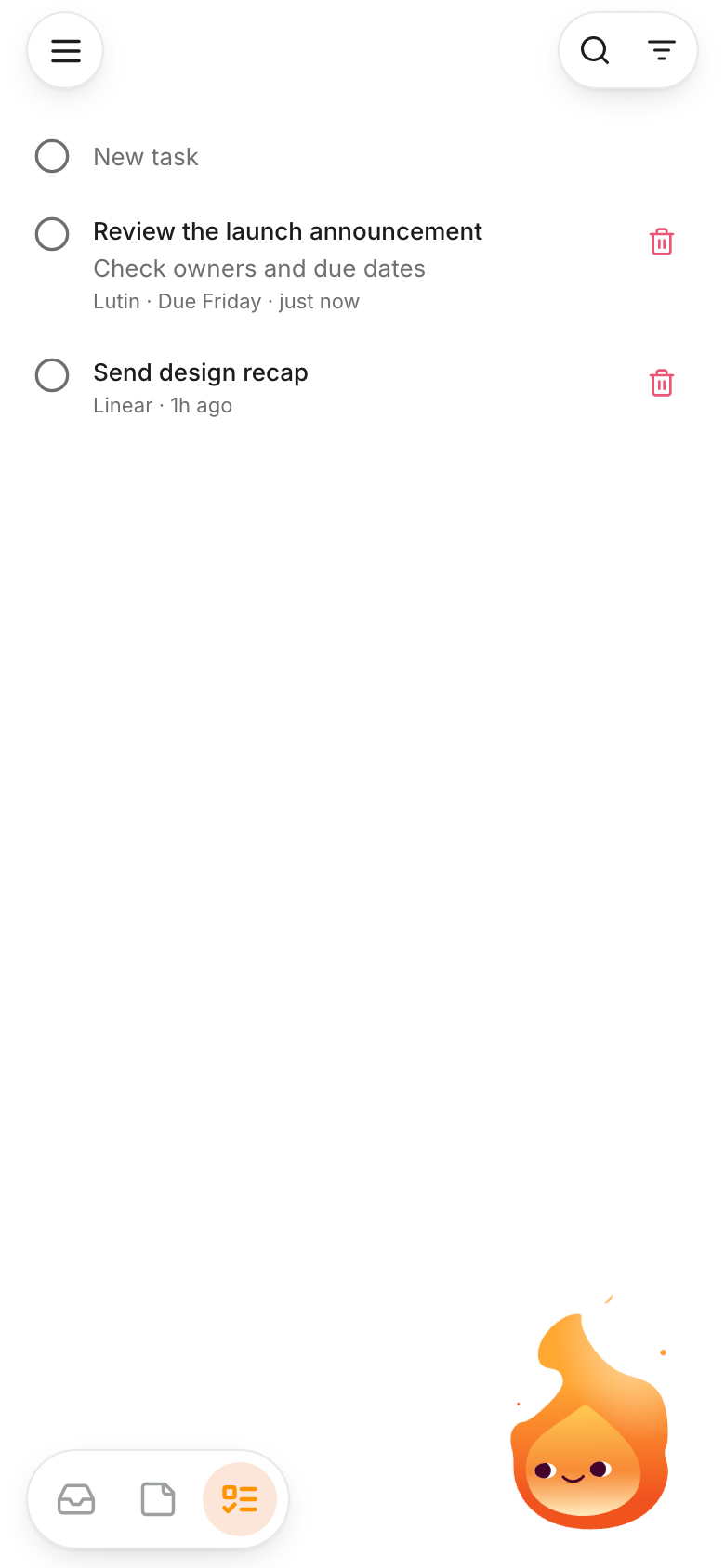
Create and edit notes, add tags, search your collection, and keep track of tasks from the same app. Supported signed-in account content can synchronize with Lutin on your other devices.
Come back to the result
Get notified when supported cloud work finishes.
Lutin can notify you when supported cloud work completes. Tap the notification to return to the app and review the synced result instead of keeping the app open while you wait.
Frequently asked questions
Can I use Lutin on iPhone without the Mac app?
Yes. You can ask Lutin and keep local notes on iPhone. Sign in when you want to connect the app to your Lutin account and synced work.
Does the iPhone app sync with Lutin on Mac?
Signed-in account content can synchronize through Lutin's account database, so supported notes, feed activity, tasks, memory, and conversations can follow you between devices.
Does Lutin keep running when the app is closed?
The iPhone app does not keep its local runtime active indefinitely in the background. When supported cloud work finishes, Lutin can send a notification so you can return to the result.
Which iOS version does Lutin require?
Lutin requires iOS 15 or later.
Lutin for iPhone